
 0
0
 0
0
Cloud computing has quietly reshaped the way businesses build software, store data, and scale services. You use it every day whether you realize it—streaming a show, sending a file, or collaborating on a document. This article breaks down the essentials so you can see how the cloud works, what it offers, and what to watch for when planning a move.
What cloud computing actually means
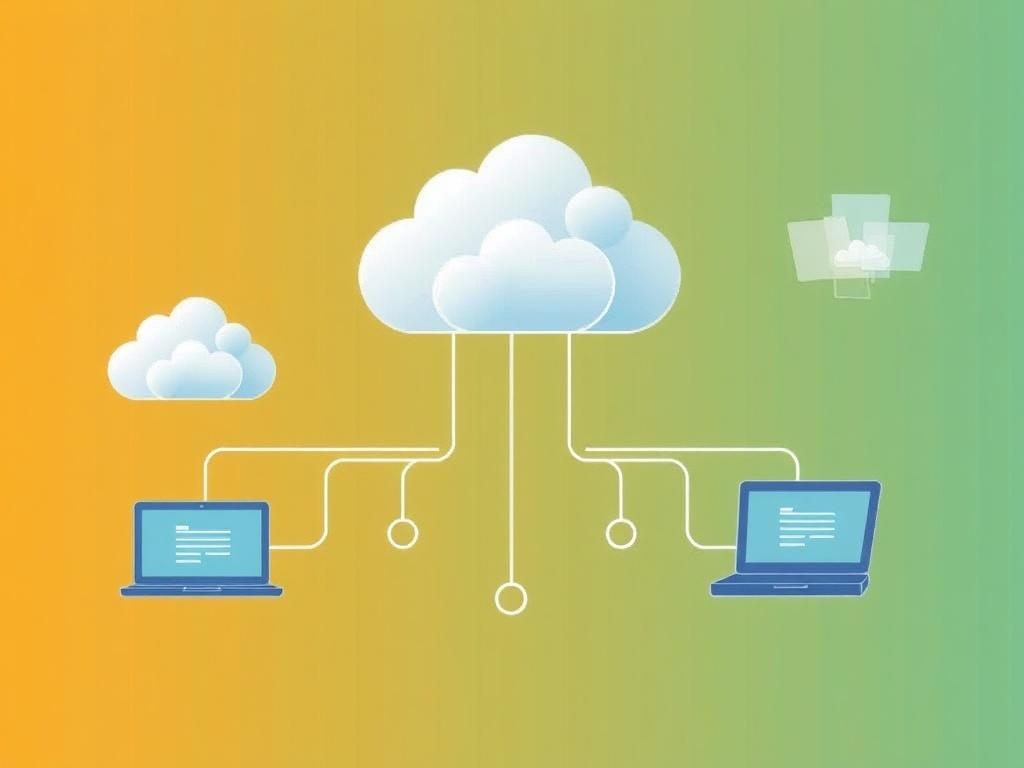
At its simplest, cloud computing means delivering computing resources—servers, storage, databases, networking, software—over the internet rather than running them on local machines. Organizations rent capacity from providers instead of buying and maintaining hardware, which changes the economics and speed of IT. The model emphasizes on-demand access, measured billing, and the ability to scale up or down quickly.
People often think the cloud is a single place, but it’s a network of massive data centers run by different companies around the world. Those facilities host virtualized resources that customers access through APIs, web consoles, or managed services. The result feels instantaneous compared with procuring physical servers and installing software manually.
How the cloud works under the hood
Virtualization is the technology that makes much of the cloud possible: one physical server can host many virtual machines or containers, each isolated and configurable for different tasks. Orchestration tools manage fleets of containers, while software-defined networking connects services across locations. Providers automate failover, load balancing, and resource allocation so applications stay available under varying traffic.
Behind the scenes, multiple layers coordinate: hardware, hypervisors, orchestration platforms, and service APIs. Customers choose how much to manage themselves versus delegating to the provider. That choice affects cost, control, and operational complexity.
Service models: IaaS, PaaS, SaaS
Cloud services typically come in three flavors so you can pick the right level of responsibility. Infrastructure as a Service (IaaS) gives you raw compute, storage, and networking. Platform as a Service (PaaS) adds managed runtime and development tooling. Software as a Service (SaaS) delivers complete applications accessed through a browser or API.
| Model | What you manage | When to use it |
|---|---|---|
| IaaS | OS, apps, middleware | Custom workloads, lift-and-shift migrations |
| PaaS | Apps, data (provider manages runtime) | Faster development, reduced ops work |
| SaaS | End-user settings | Standardized business apps (email, CRM) |
Choosing among these depends on how much control and customization you need. Many organizations use a mix—SaaS for email and collaboration, PaaS for web apps, and IaaS for specialized systems.
Deployment models: public, private, hybrid, and multi-cloud
Public clouds are run by third-party providers and shared across customers; they’re cost-efficient and highly scalable. Private clouds are single-tenant environments that enterprises operate for greater security or compliance control. Hybrid clouds combine both approaches to keep sensitive data on-premises while leveraging public clouds for burst capacity.
Multi-cloud means using services from several providers to avoid vendor lock-in or take advantage of specific strengths. That approach can increase resilience but adds integration and management overhead. Deciding between these models often comes down to regulatory needs, latency requirements, and cost tradeoffs.
Benefits of moving to the cloud
The cloud offers several tangible advantages: rapid provisioning, elastic scaling to match demand, and a shift from capital expenses to operating expenses. Teams can deploy updates more frequently and experiment without heavy upfront costs, which accelerates innovation. Managed services also reduce the routine operations burden, freeing engineers to focus on product development.
- Scalability: handle traffic spikes without buying hardware
- Cost flexibility: pay for what you use
- Faster time to market: deploy new features quickly
- Global reach: run services close to users worldwide
Risks and challenges to plan for
Security concerns top many decision-makers’ lists, but cloud providers invest heavily in defenses; the real risk often lies in misconfiguration or weak access controls. Compliance with industry regulations and data residency rules can complicate architecture choices. Effective governance—clear policies, identity management, and auditing—reduces these risks significantly.
Other challenges include cost surprises from uncontrolled resource use, potential vendor lock-in with proprietary services, and operational complexity in multi-cloud setups. These can be managed by tagging and monitoring resources, choosing portable technologies like containers, and maintaining clear running cost models.
How to choose a cloud provider
Selecting a provider is both technical and strategic: match services to business needs, evaluate pricing and support, and consider the partner ecosystem. Look for a strong security posture, transparent SLAs, and a compelling roadmap for services you’ll need in the next three to five years. Don’t forget practical details: data transfer costs, regional availability, and the quality of documentation and community support.
- Map workloads and dependencies before comparing vendors.
- Model expected costs under realistic usage scenarios.
- Test migrations with a small, representative workload.
- Verify compliance certifications and data residency options.
Real-world example from my work
In a recent migration I led for a mid-size e-commerce company, moving product catalogs and search to a managed search service cut response times by half. We used a hybrid approach: customer data stayed in a private environment for compliance, while product images and cache lived in a public cloud. That mix lowered costs and improved performance without sacrificing regulatory controls.
We learned two practical lessons: first, pilot small and iterate; second, invest in automated monitoring from day one. Those steps caught misconfigurations that would have become expensive if detected later, and they smoothed the team’s transition to cloud-native practices.
Trends to watch
Serverless computing, edge deployments, and tighter integration with AI are reshaping how cloud services are consumed. Serverless removes the need to think about servers entirely for many workloads, while edge computing brings processing closer to users, reducing latency for real-time apps. AI and machine learning services are becoming easier to adopt through managed APIs and specialized hardware offerings.
Observability and FinOps (cloud cost management) are also evolving as disciplines. Expect toolchains that automate cost optimization and traceability across hybrid environments, making cloud investments more predictable and efficient.
Cloud adoption is rarely a single lift-and-drop decision; it’s an ongoing transformation of how teams build and run software. With clear goals, sensible governance, and a willingness to learn from early experiments, most organizations can capture the cloud’s benefits while managing the tradeoffs.


