

 0
0
 0
0
In the relentless pace of modern business, operational efficiency determines success. Optical Character Recognition (OCR) is one technology that has dramatically improved how offices manage documents. When combined with multifunction printers (MFPs), OCR streamlines document handling and raises productivity. This expert piece examines OCR, its pairing with MFPs, and the ways it can transform office workflows.
Understanding OCR Technology
What is OCR?
Optical Character Recognition, or OCR, is a system that turns printed or handwritten text and images into digitally encoded text. This enables computers to interpret and work with the contents of scanned pages. OCR software examines the shapes, patterns, and layout of characters to extract editable text from printed materials, PDFs, or image files.
The Importance of OCR
OCR has become essential in contemporary offices. It removes the need for time-consuming manual data entry, cutting down on mistakes and freeing up staff time. Additionally, OCR makes paper documents searchable and editable by digitizing them, a vital capability for businesses building efficient digital processes.
Integration of OCR with Multifunction Printers
The Role of MFPs in Offices
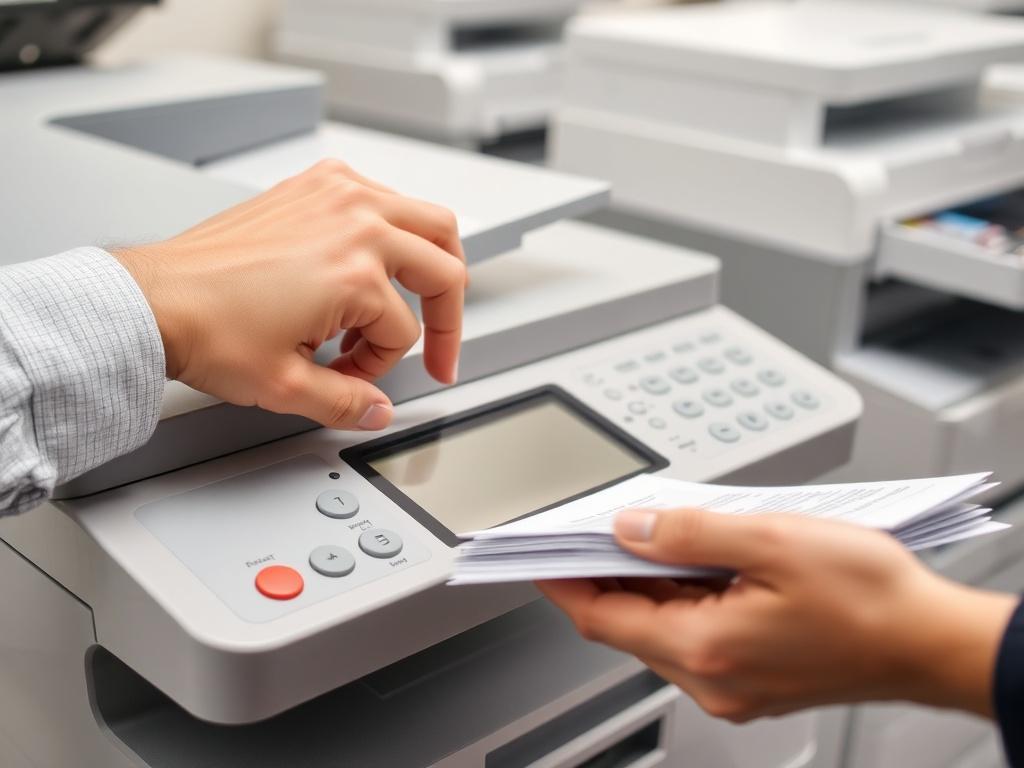
Multifunction printers, or MFPs, have grown into core office equipment. These all-in-one devices combine printing, scanning, copying, and faxing in a single footprint. MFPs are engineered to efficiently handle a wide range of document tasks.
Advantages of OCR Integration with MFPs
1. Streamlined Document Scanning
When OCR is built into MFPs, users can scan paper directly into editable digital files. This removes the need for separate scanning then OCR steps, saving time and lowering the chance of mistakes.
2. Searchable Documents
MFPs with OCR produce searchable PDFs by detecting and indexing text inside scanned pages. This capability makes locating documents easier and improves access to information.
3. Automated Data Entry
OCR integration can automate data capture by extracting text from scans and filling database fields or application forms. This minimizes manual input errors and speeds up data workflows.
4. Improved Document Security
MFPs equipped with OCR can strengthen document protection through text-based access controls. Administrators can apply permissions or restrictions to specific words or phrases to curb unauthorized viewing or sharing.
Implementing OCR with MFPs
Choosing the Right OCR Software
Picking the right OCR solution for your MFP matters. Look at accuracy, supported languages, and compatibility with your current systems and hardware. Cloud-based OCR options are increasingly popular due to their adaptability and straightforward integration.
Training and Calibration
To get the best OCR results, train the software to recognize the fonts, layouts, and languages your organization uses. Routine calibration and updates are important to preserve recognition accuracy.
Workflow Integration
Adding OCR-enabled MFPs to your workflow takes careful planning. Identify processes that benefit most—such as invoice handling, contract workflows, or archiving—and ensure staff are trained to use OCR features effectively.
Real-World Applications
Document Digitization
MFPs with OCR are ideal for converting large volumes of paper into digital records. Digitization reduces the need for physical storage and makes historical documents and information simpler to access.
Invoice Automation
OCR paired with MFPs is widely used to automate invoice workflows. By pulling data from invoices and auto-populating accounting systems, companies can cut the time and effort required for financial recordkeeping.
Regulatory Compliance
In regulated sectors like healthcare and finance, OCR on MFPs helps ensure that sensitive documents are handled accurately and securely, supporting compliance with standards such as HIPAA and Sarbanes-Oxley.
Challenges and Considerations
Accuracy and Quality
Although OCR has advanced greatly, perfect character recognition remains difficult, particularly with handwriting or poor-quality originals. Routine review and correction of OCR output are required to keep data reliable.
Cost and ROI
Buying OCR software and MFPs capable of OCR can require upfront investment, but the ongoing time savings and efficiency gains often offset the cost. Assess the expected return on investment to guide your choice.
Security Concerns
OCR processes can expose confidential content if not properly protected. Apply strong security practices—such as encryption and access controls—to protect sensitive data.
Conclusion
Linking OCR technology with multifunction printers offers a major advantage for contemporary offices. It simplifies document handling, speeds up workflows, and improves access to information. To fully benefit from OCR, organizations should choose suitable software, provide sufficient training, and smoothly embed OCR into their processes. With those steps in place, OCR-enabled MFPs can help create more efficient, productive offices and keep businesses competitive in a fast-changing digital world.


